
Presentation Systems That Function Without IT Support
Commercial Conference Room AV in Smyrna for offices requiring reliable video conferencing, projection displays, and integrated audio systems
Conference rooms that host client presentations or remote meetings need AV systems where any team member connects a laptop and begins presenting without troubleshooting HDMI inputs or microphone settings. City Home Theater installs commercial conference room AV throughout Smyrna, integrating presentation displays, projectors, speakers, microphones, and video conferencing equipment into systems that operate through simplified control interfaces. Your team connects devices to clearly labeled inputs and audio functions without calling IT to resolve connection failures during important meetings.
Integrated conference room systems require coordinating multiple components: displays or projectors for visual presentation, ceiling or wall-mounted speakers for clear audio distribution, microphones that capture voices without feedback, and video conferencing cameras positioned for proper framing. Each component connects through a central switching system that manages HDMI inputs, audio routing, and camera controls. Proper integration means selecting compatible equipment and programming input switching so users select "Laptop HDMI" or "Video Conference" rather than navigating technical menus.
Arrange an on-site assessment to evaluate your room dimensions and typical meeting formats.
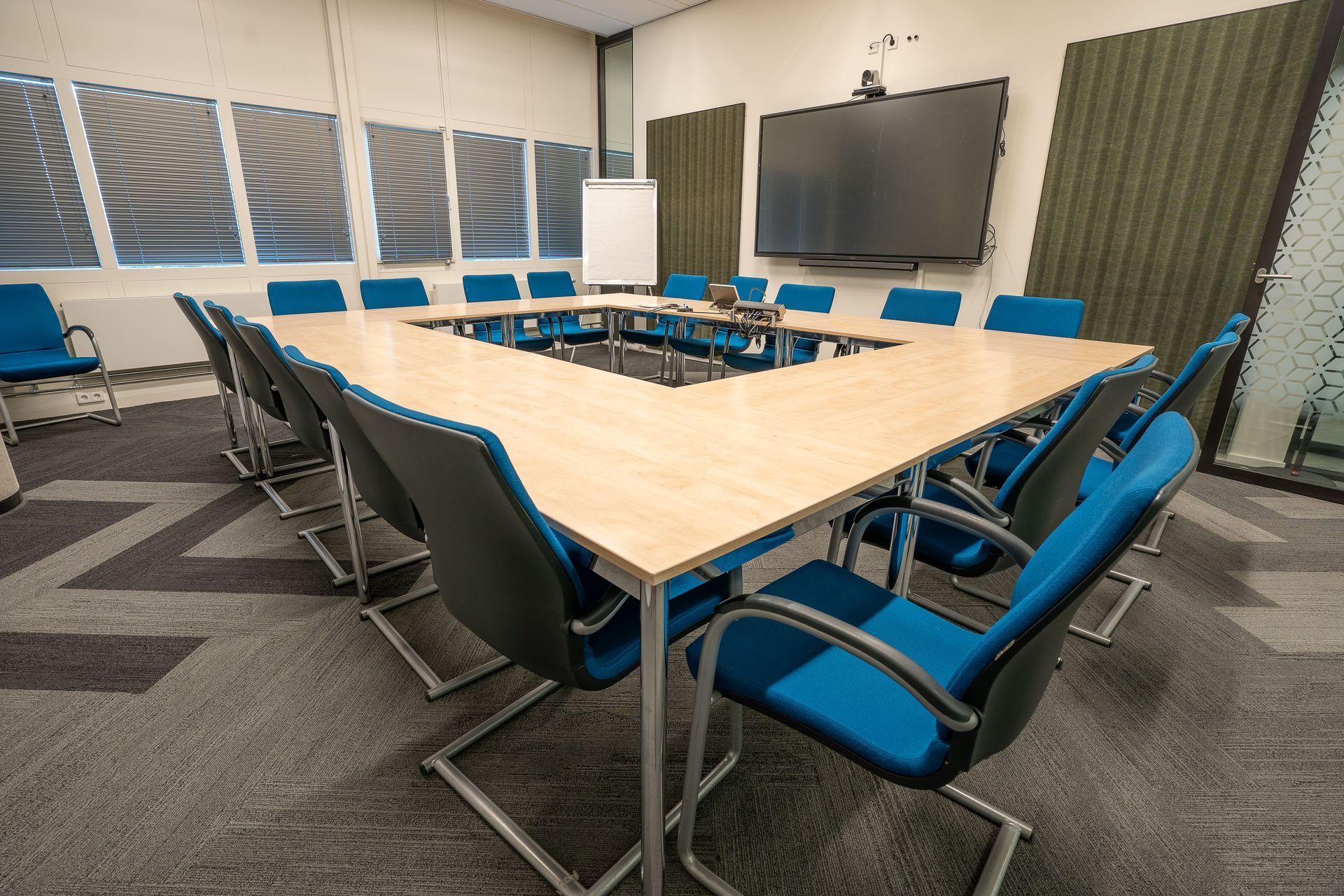
How Conference Room Integration Addresses Connection Problems
Installation involves mounting displays or projectors at appropriate viewing distances, positioning speakers to distribute sound evenly across seating areas, and placing microphones where they capture speech clearly without picking up HVAC noise. Cable management routes HDMI lines, audio connections, and network cables through walls or floor boxes to connection plates at the conference table. In Smyrna office buildings with dropped ceilings, cables often run through plenum spaces to reach equipment racks located in adjacent storage closets.
Once the system operates, you walk into the conference room, connect your laptop to the table's HDMI port, and see your screen appear on the main display within seconds. Microphones activate automatically when video conferencing software launches, and speakers deliver remote participants' voices clearly to everyone at the table. The equipment rack sits out of sight, and all controls consolidate on a wall-mounted touchpanel or simple button interface.
The installation includes configuring video conferencing equipment to work with your preferred platforms, whether that involves Zoom, Microsoft Teams, or other services. City Home Theater tests all input sources and audio routing before final handoff, verifying that screen sharing, camera switching, and microphone muting function as expected during actual meeting conditions.
What Property Owners Usually Ask
Office managers in Smyrna typically want clarity on system complexity and ongoing maintenance before approving conference room upgrades.
What makes one conference room AV system easier to use than another?
Simplified control interfaces and automatic input detection reduce complexity. Systems that automatically switch to the correct input when a laptop connects, or that use single-button controls for common tasks, eliminate the troubleshooting steps that delay meetings.
How do installers position microphones to avoid feedback during video calls?
Microphone placement considers speaker locations and typical participant seating. Ceiling-mounted microphones position above the conference table center, far enough from speakers to prevent audio loops, while directional pickup patterns focus on voices rather than room echo.
Why do some offices use projectors instead of large displays?
Projectors provide larger image sizes in rooms where viewing distances exceed ten feet, and they mount out of the way on ceilings. Displays work better in smaller conference rooms or spaces with significant ambient light that reduces projector visibility.
What happens when the company switches video conferencing platforms?
Most commercial AV systems connect to conferencing software through standard USB or HDMI connections, allowing platform changes without equipment replacement. The camera, microphone, and speakers function as peripherals that work across different software applications.
When do conference rooms require dedicated network connections for AV equipment?
Video conferencing cameras and control systems often require hardwired Ethernet connections for reliable performance. Installations in Smyrna office buildings typically coordinate with existing network infrastructure to add switches or access points that support AV devices separately from general office networks.
City Home Theater installs conference room systems that support daily business operations without requiring technical expertise from meeting participants. Schedule a planning session to discuss your equipment preferences and room-specific requirements.